myAimsun Admin
myAimsun Admin is a dedicated portal for system administrators (Admins) to manage Aimsun products, subscriptions, and services for users within their organization.
To register your organization in myAimsun for the first time, please contact info@aimsun.com and provide the following details for the primary Administrator:
- First Name
- Last Name
- Email Address
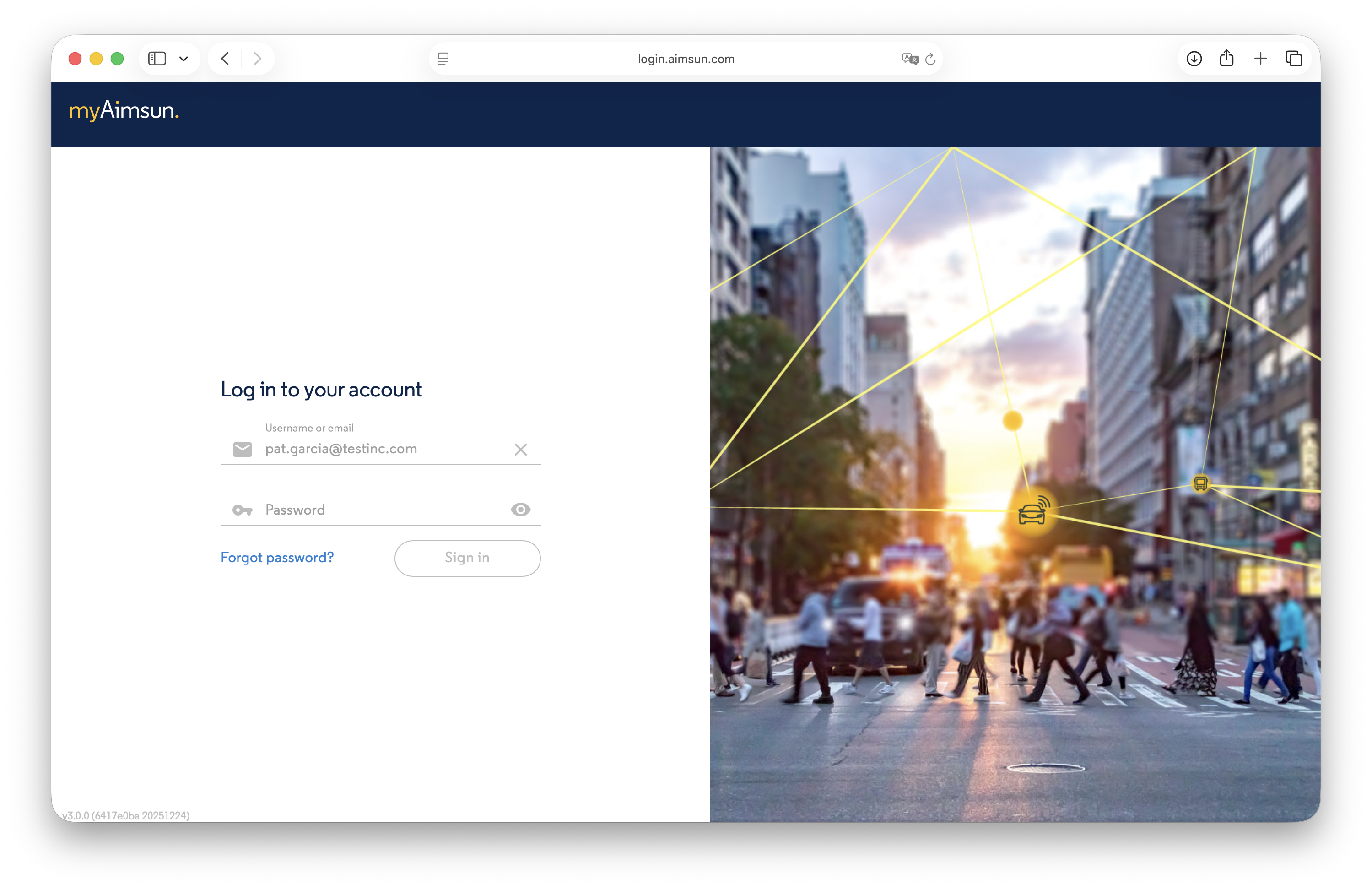
Login
Aimsun will send the designated Admin an email containing the initial login credentials. Use these credentials to access the myAimsun Admin portal.
User Management
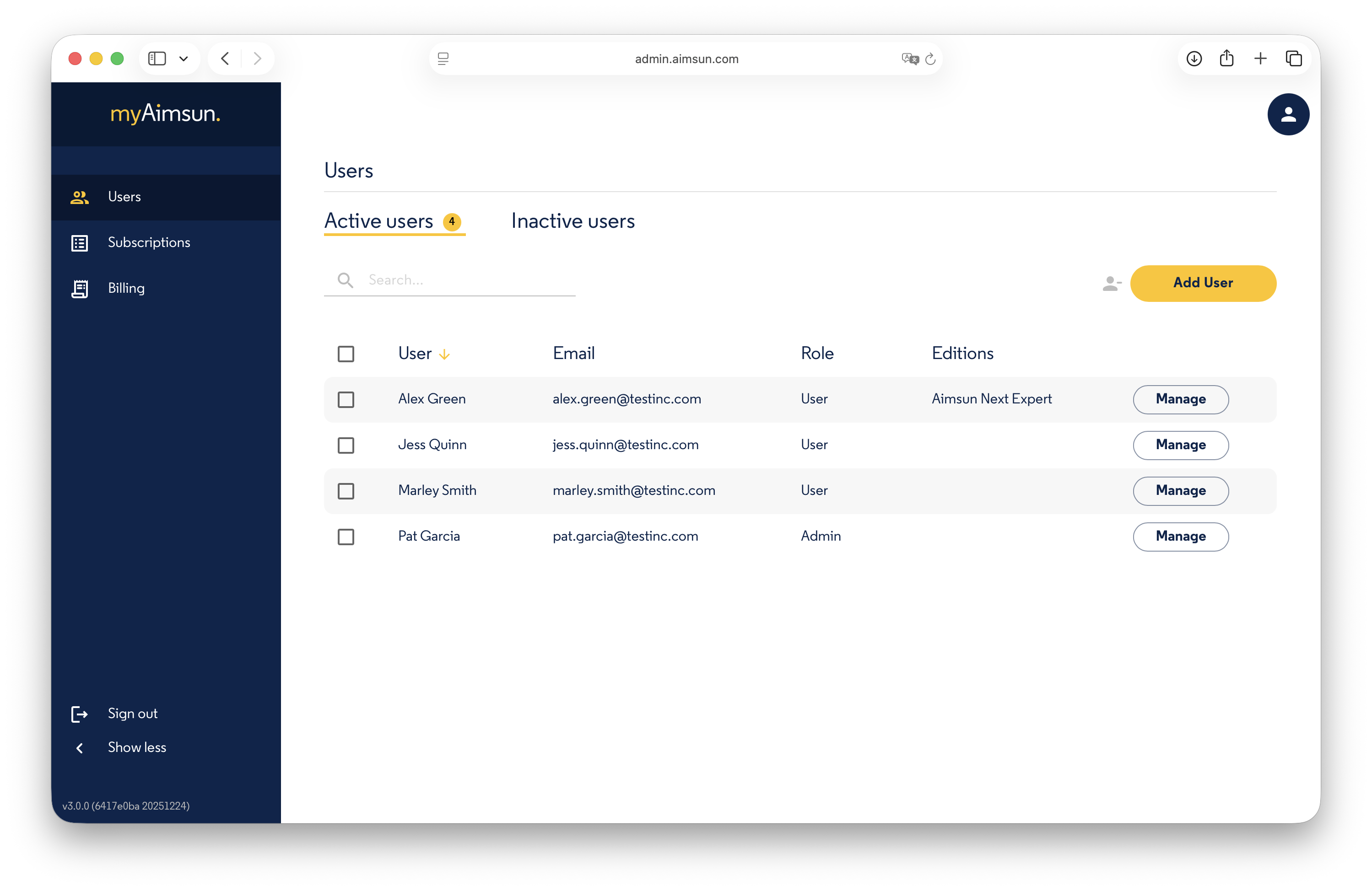
The Users section allows Admins to edit profiles, activate or deactivate users, and manage seat1 assignments. Only Active users can log into the myAimsun portal and utilize assigned seats.
The user list displays names, email addresses, roles, and currently assigned seats.
Roles
Each person is assigned exactly one of the following roles:
- User: Can access assigned seats and general services (Doc Hub, User Forum) but cannot access billing information or admin portals.
- Billing: Provides exclusive access to billing and account information.
- Admin: A user with full administrative rights. Admins can manage software, services, billing, and user access levels for the entire organization.
Only Admins have the authority to manage or change roles for other users and fellow Admins.
Add a User
Admins can add new users to the organization’s account, subject to the following restrictions:
- The email address must be unique.
- The email domain must be pre-registered with Aimsun for your organization.
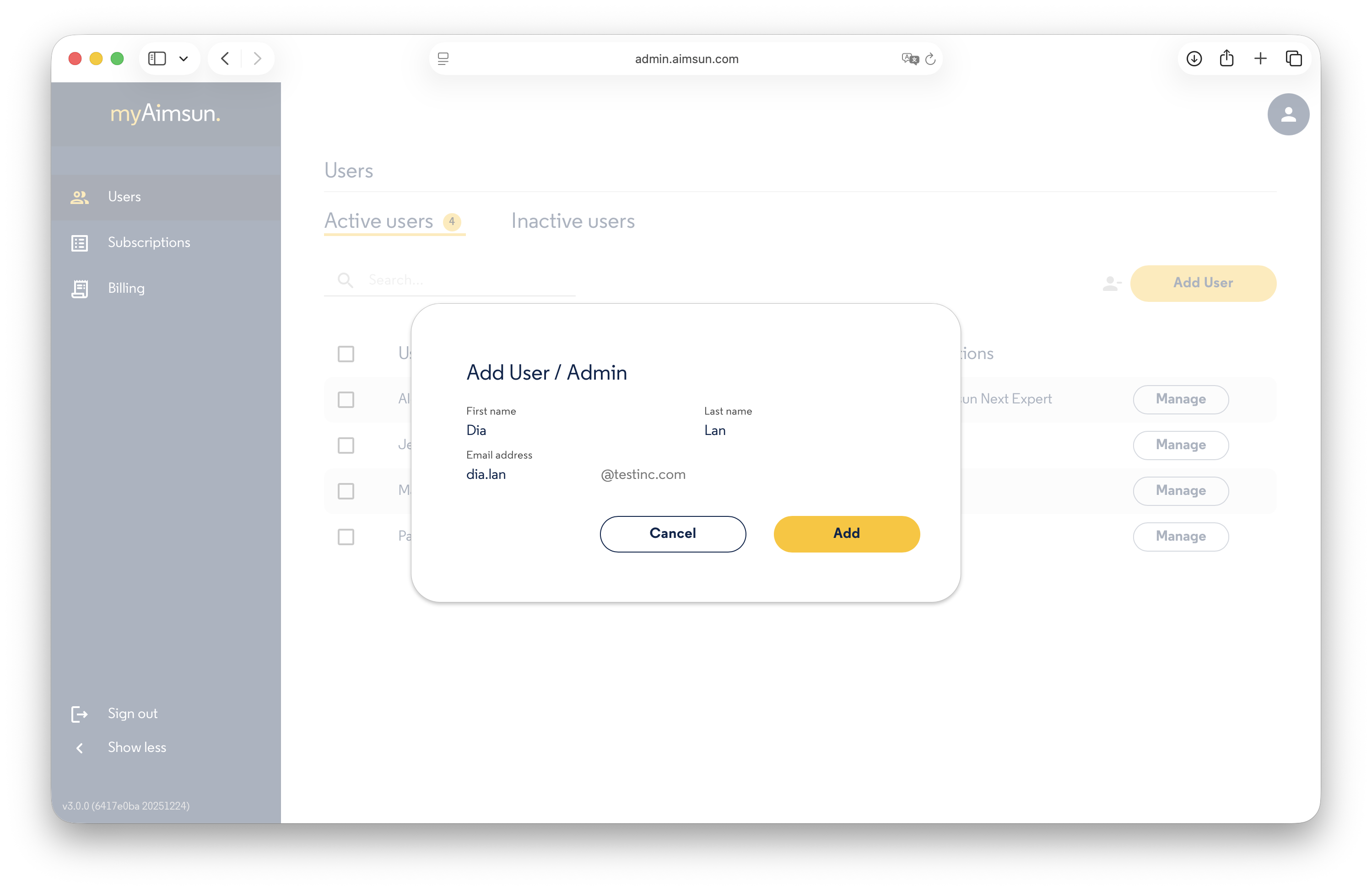
If you need to register additional email domains, please contact Aimsun at info@aimsun.com.
Deactivate a User
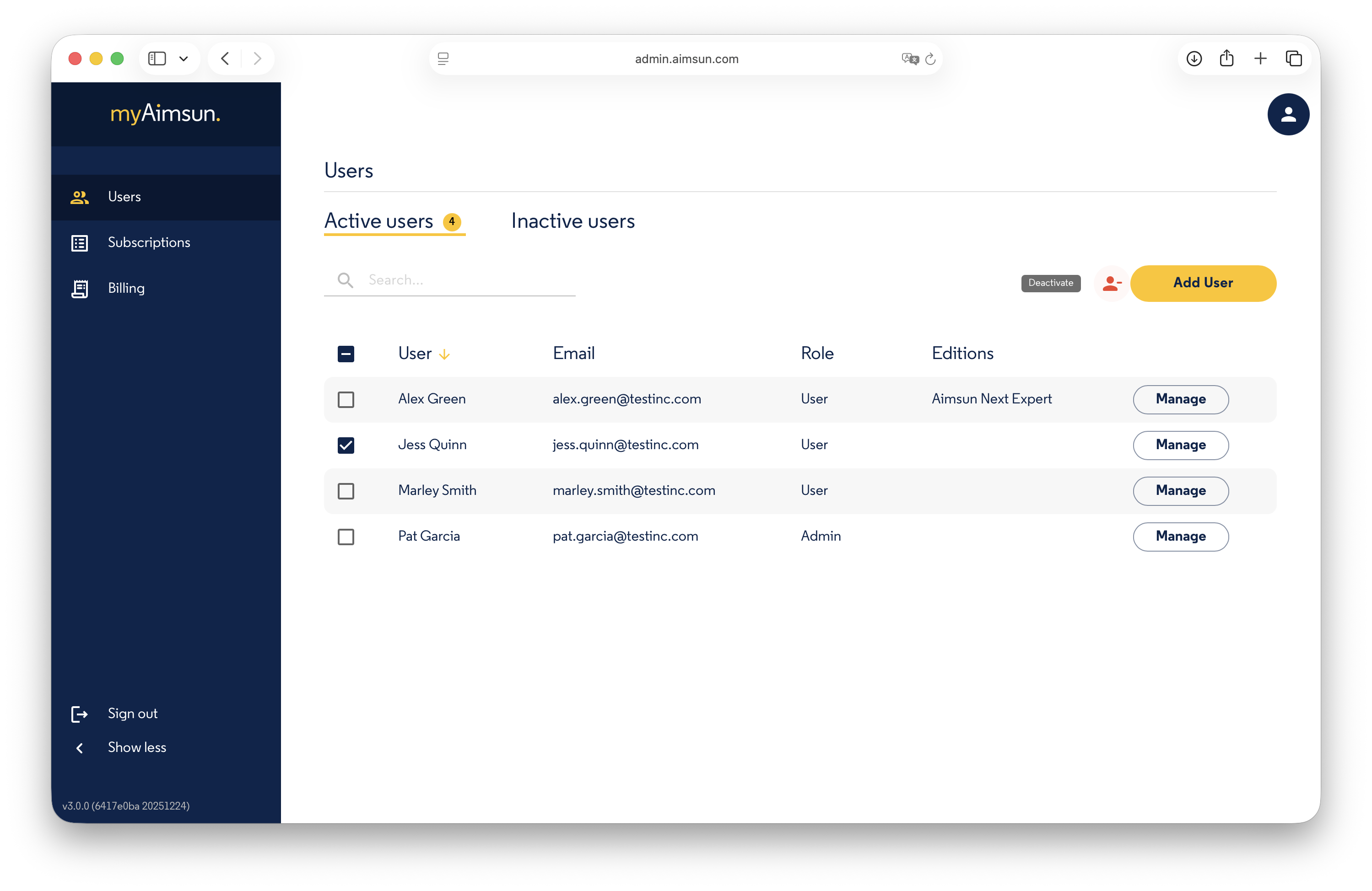
To deactivate a user, check the box next to their name and click the Deactivate button on the right. Deactivated users lose access to the portal and their assigned seats.
Note: Deactivating a user does not immediately release their assigned seats; seats expire automatically after a maximum of 30 days (refer to the Aimsun Licenser manual for details on expiration periods). Deactivation is intended for users leaving the organization, rather than for temporary seat management.
Reactivate a User
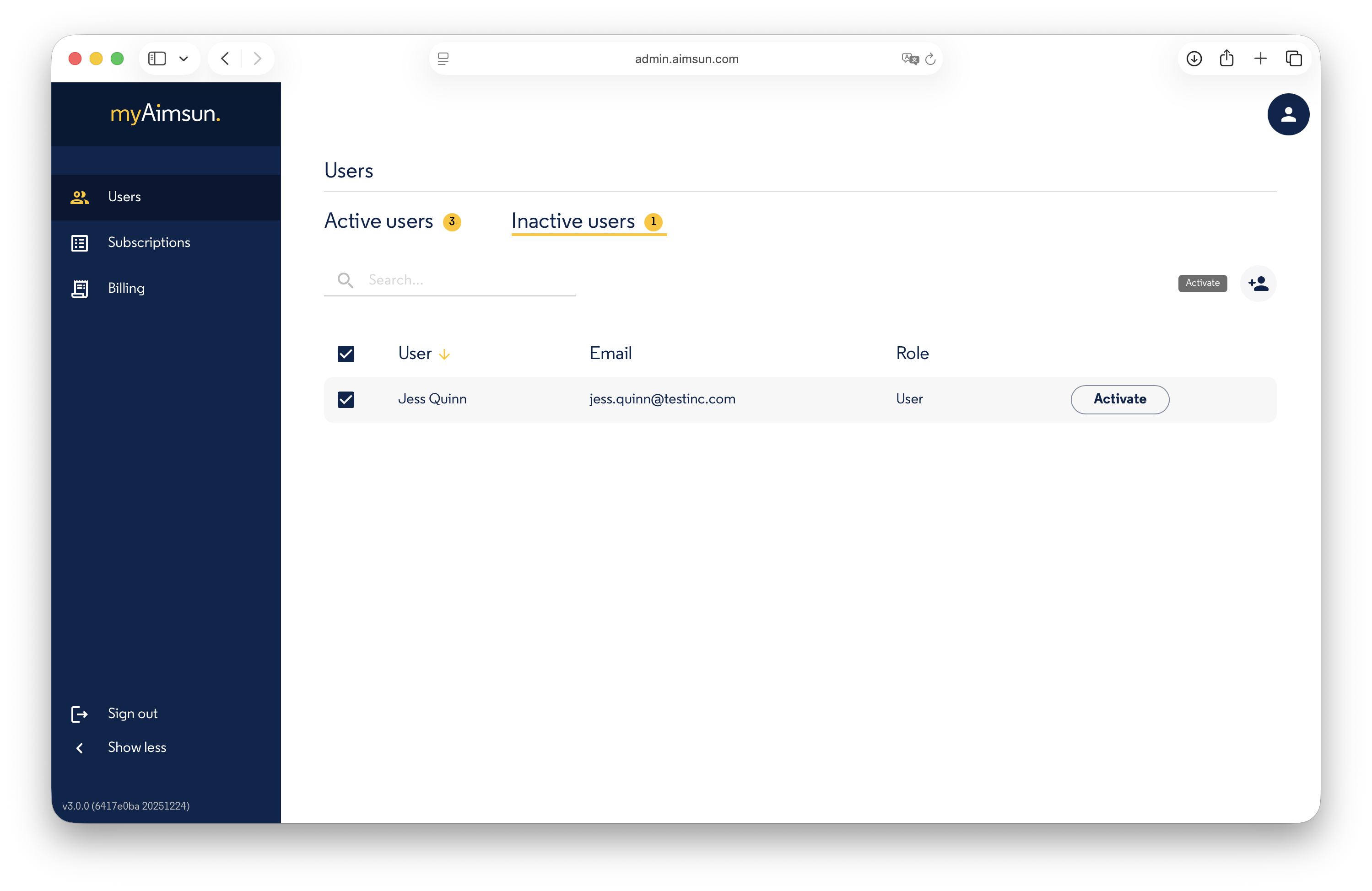
To reactivate a user, navigate to the Inactive users list, select the user, and click the Activate button on the right.
Edit a User Profile
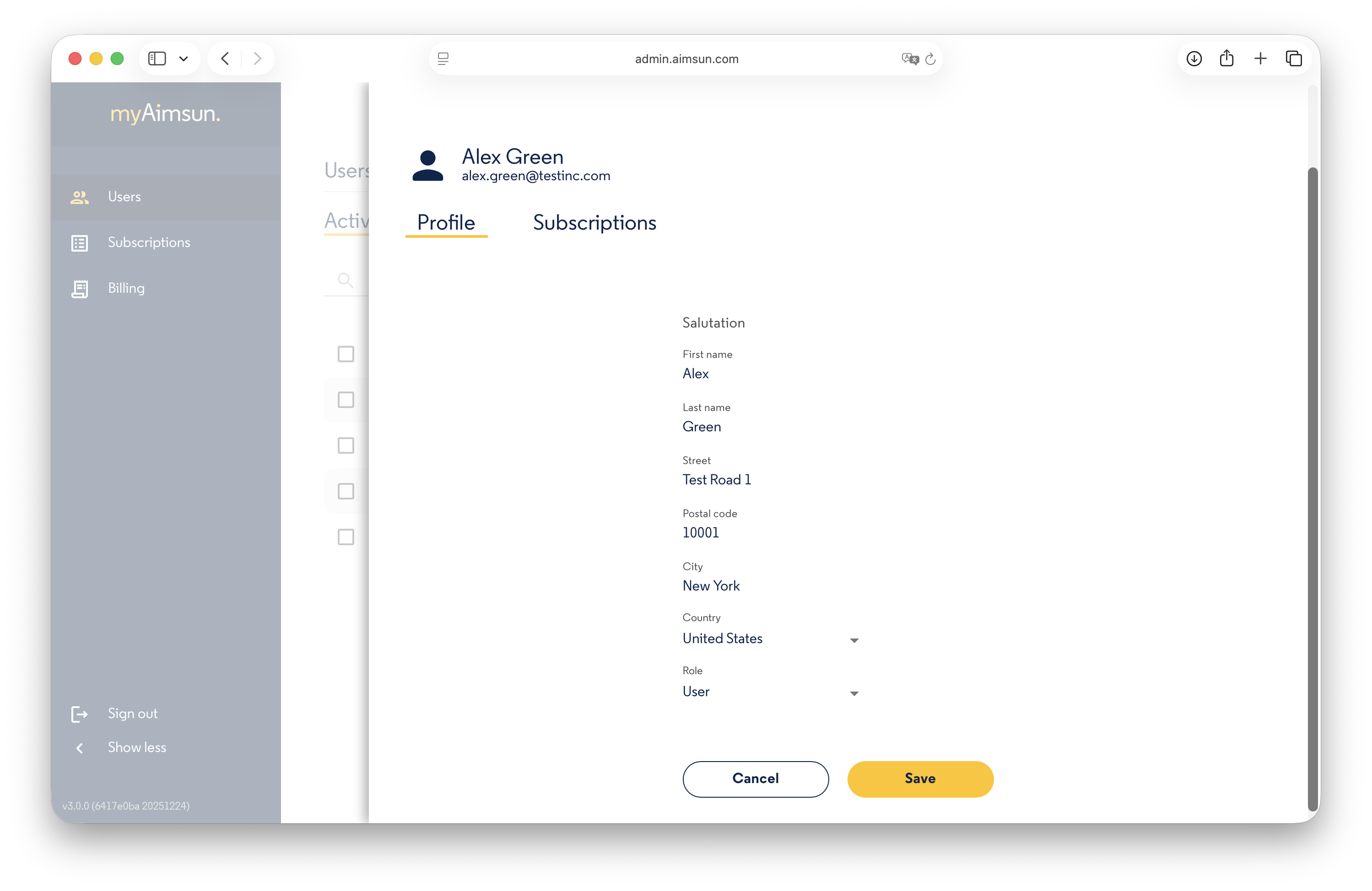
Click the Manage button to access a specific user's profile. You can modify the following fields:
- Salutation
- First Name
- Last Name
- Address
- Role
Note: Email addresses cannot be edited. To modify a user's email, please contact info@aimsun.com.
Subscriptions
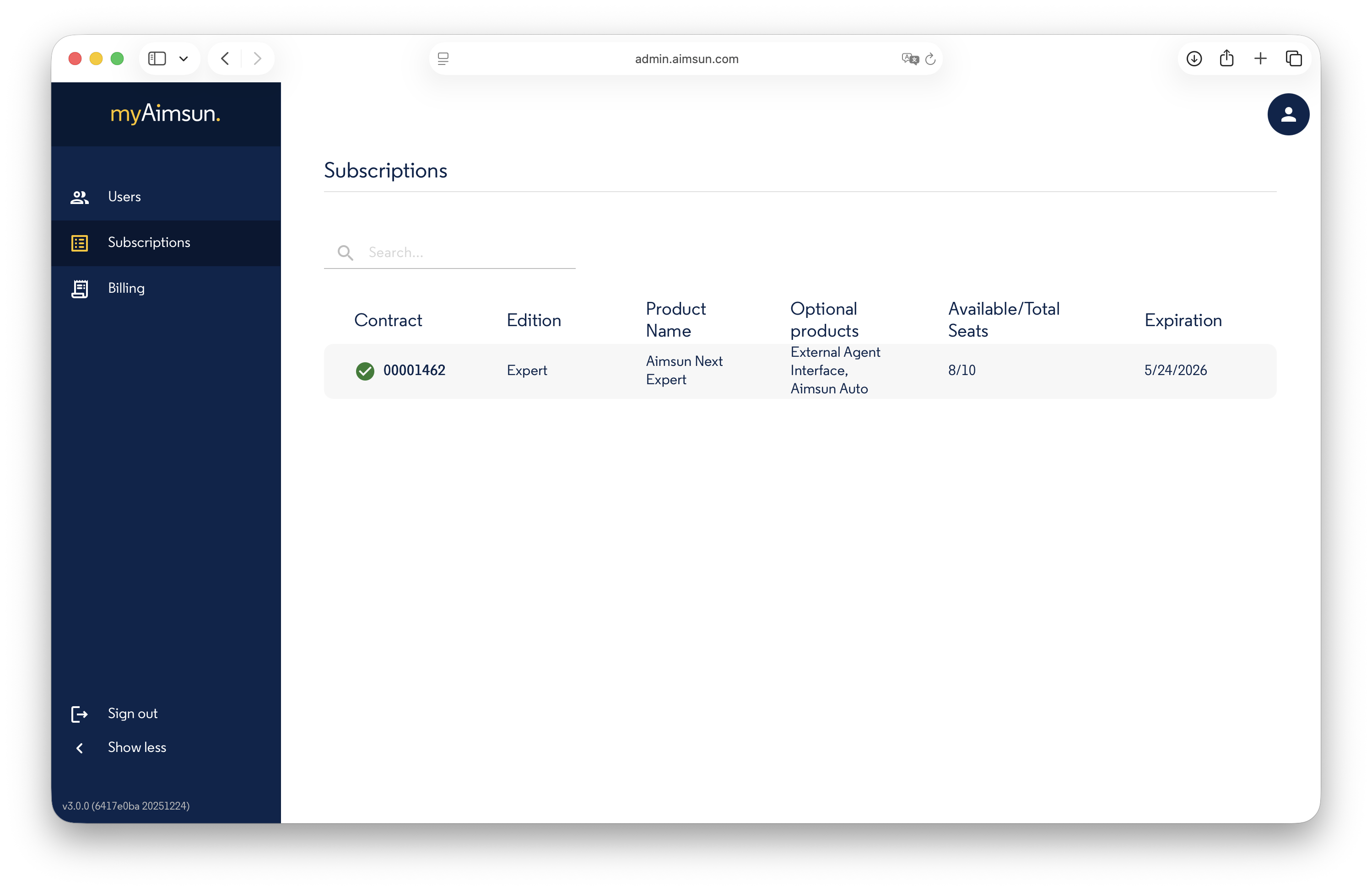
The Subscriptions section displays all active organization subscriptions, including the total number of seats, available seats, and expiration dates.
Assign and Unassign Seats
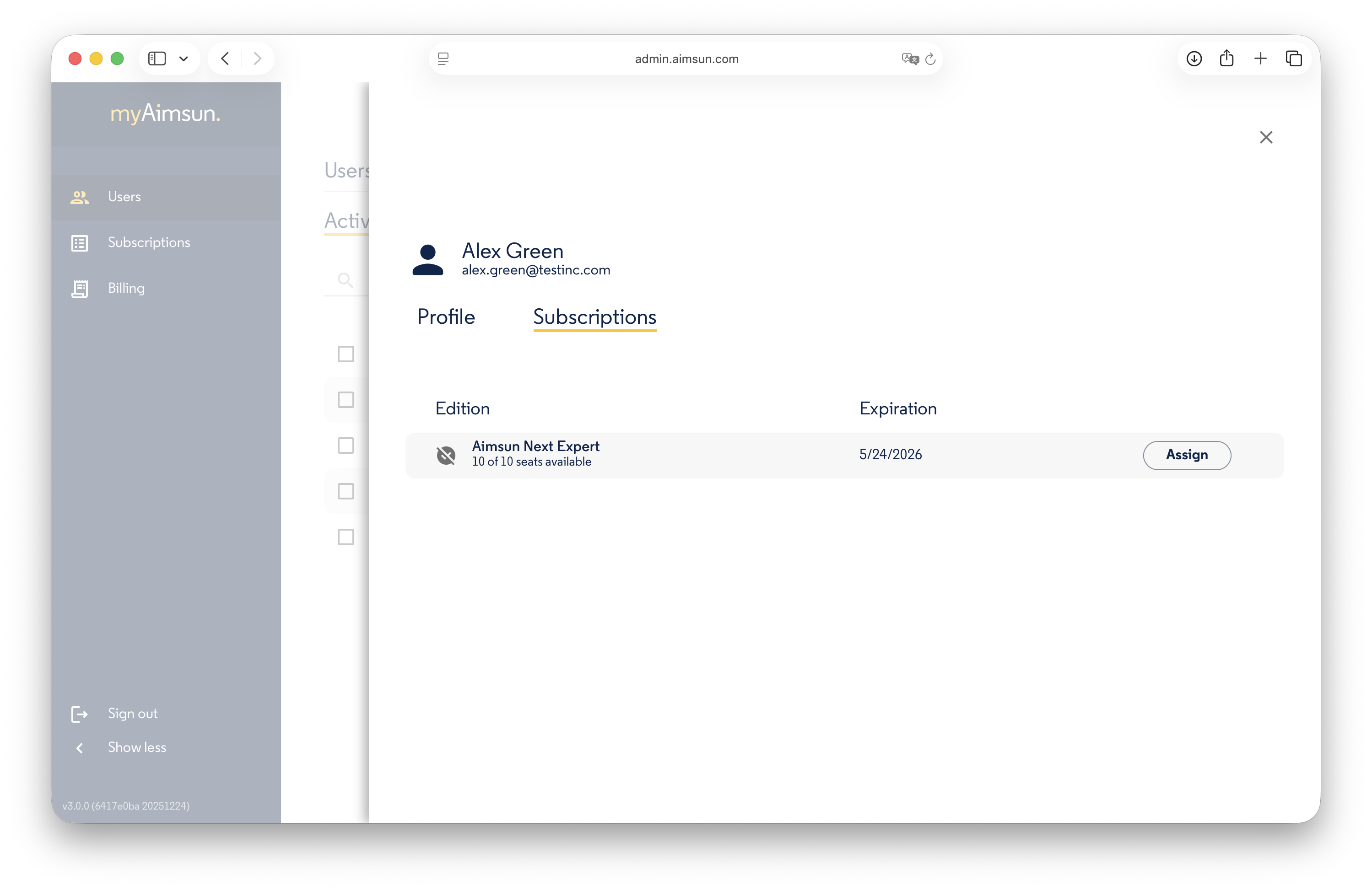
To run Aimsun Next mobility modeling software, a user must be assigned a seat2. Admins can assign seats to any active user as long as seats are available.
To assign a seat:
1. Go to the Active Users list.
2. Click Manage next to the user’s name.
3. Navigate to the Subscriptions tab.
4. Select the number of seats and click Assign.
To unassign a seat:
Click the Unassign button within the same menu.
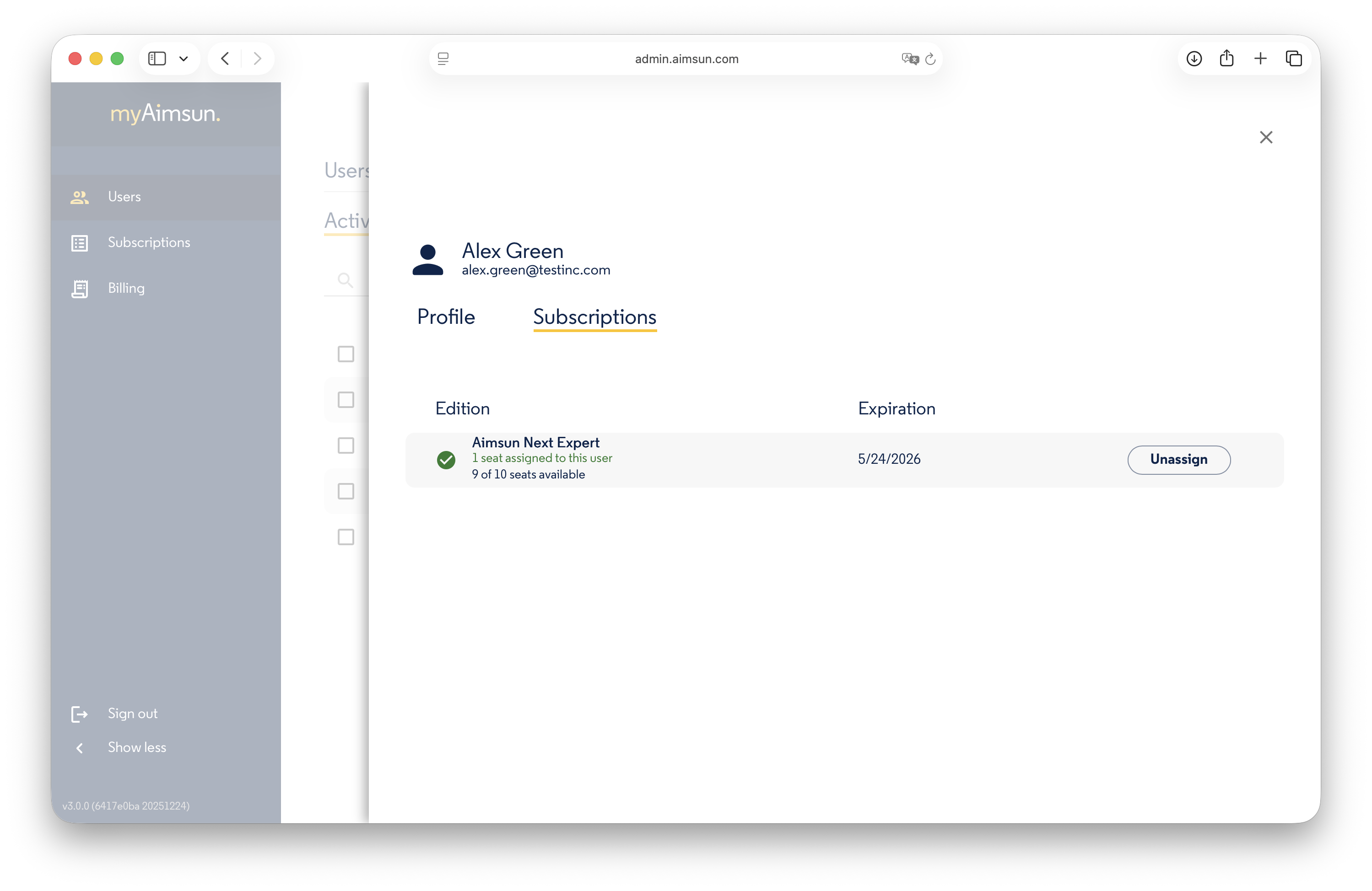
Once a seat is assigned, the user can license3 their device via the Aimsun Licenser to run the software. The Aimsun Licenser is available for download here.
Important: If a user has already "acquired" a seat on a device, the Admin cannot unassign that seat until the user "releases" it through the Licenser.
Password Management
Admins cannot view, change, or force a password reset for users. Users must manage their own passwords through the myAimsun portal.
Billing
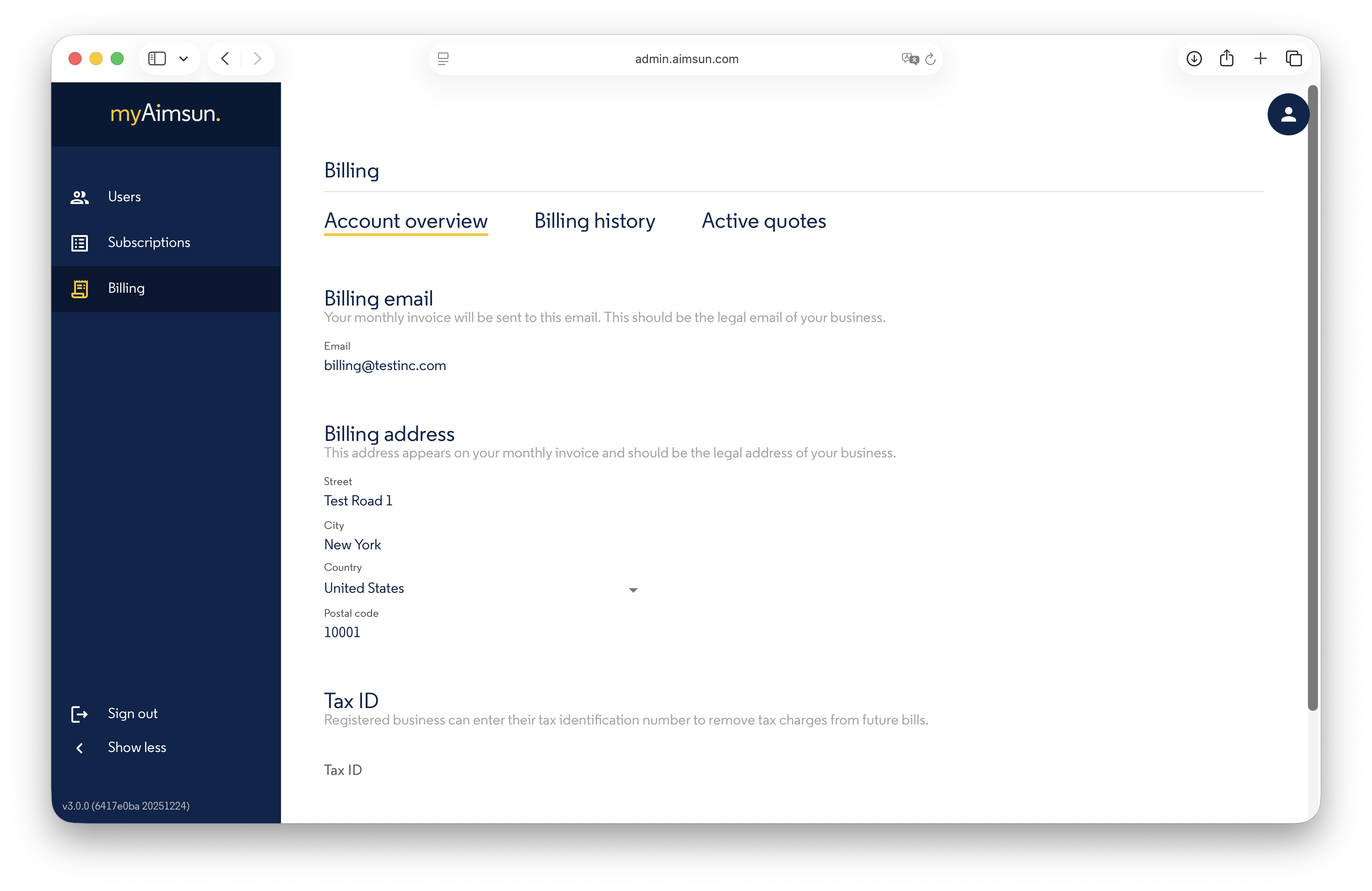
Users with Admin or Billing roles can access the organization’s financial data. Use the Account overview to update the billing contact email, physical address, and Tax ID.
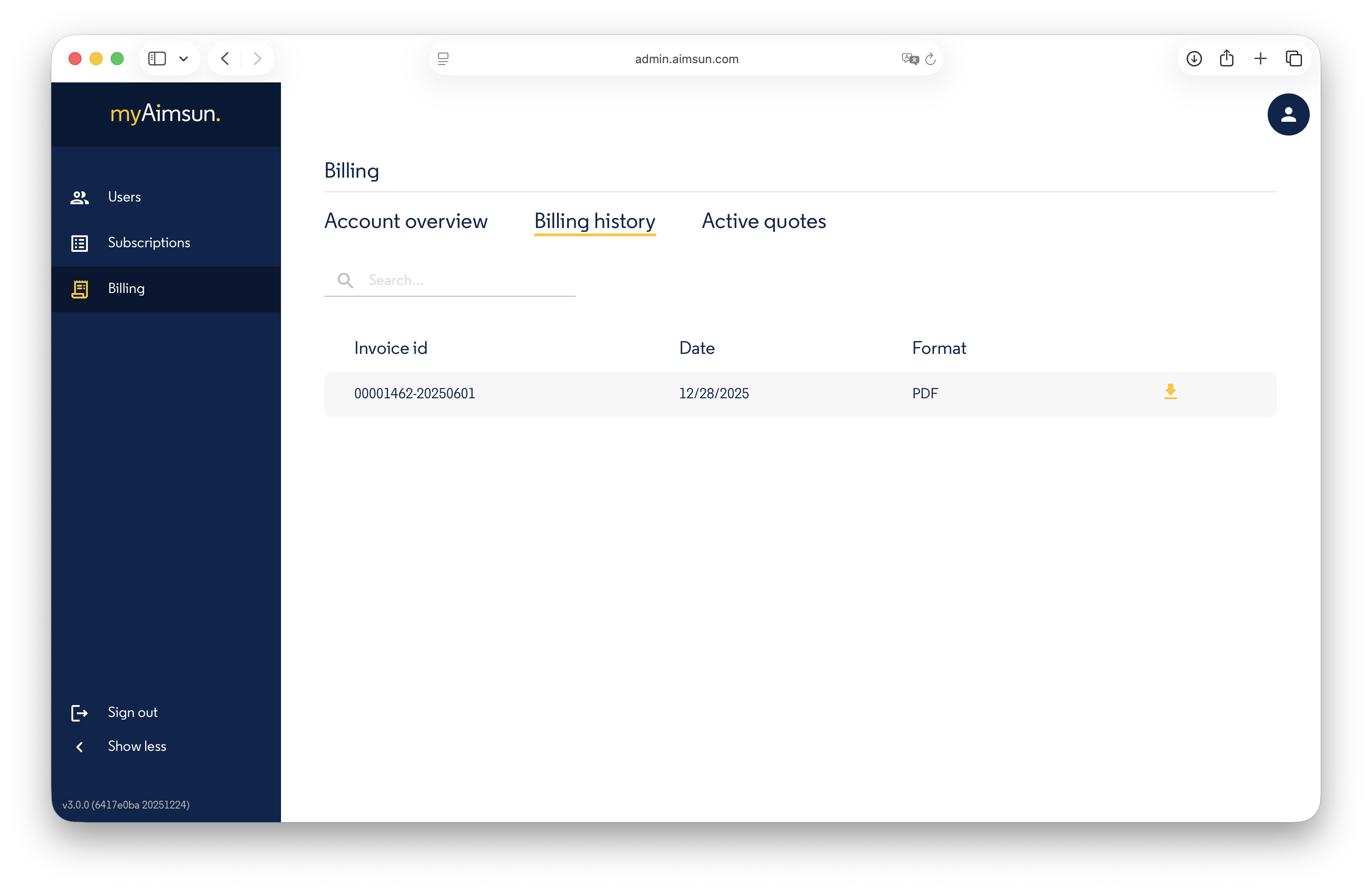
Billing History
This section contains a list of all generated invoices, available for download as PDF documents.
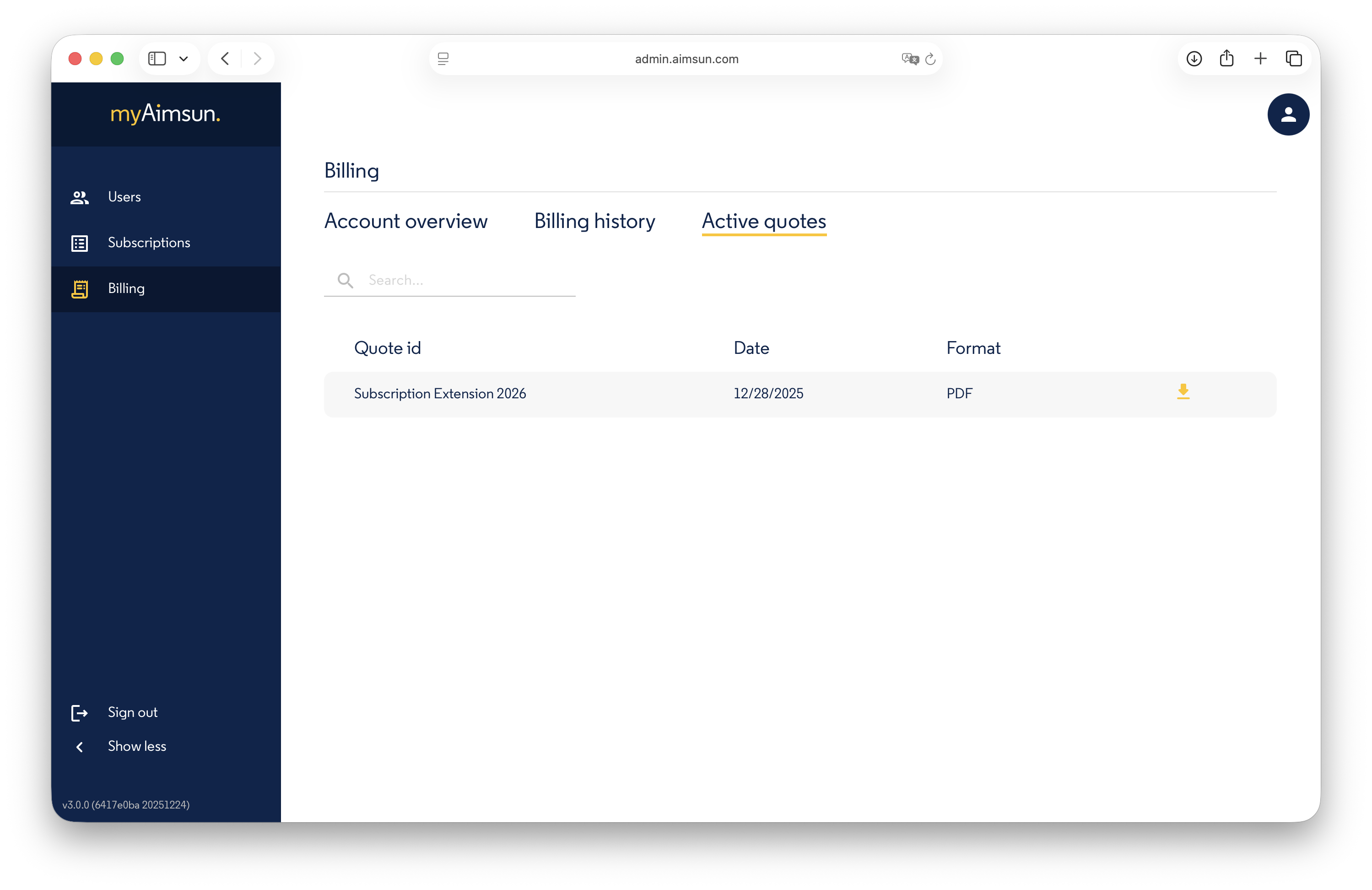
Active Quotes
This section lists all pending quotes (those not yet accepted or rejected) as downloadable PDF documents.
-
A Seat is the right to use a Subscription by a User. The number of Seats is the maximum number of Users that can use the Subscription concurrently. ↩
-
Assigning a Seat to a User will allow the User to license a device. ↩
-
Only licensed devices are allowed to run Aimsun Next mobility modeling software. ↩